
Hardware Procurement & Management
End-to-end hardware lifecycle management—from selecting the right equipment to deployment, maintenance, and upgrades.
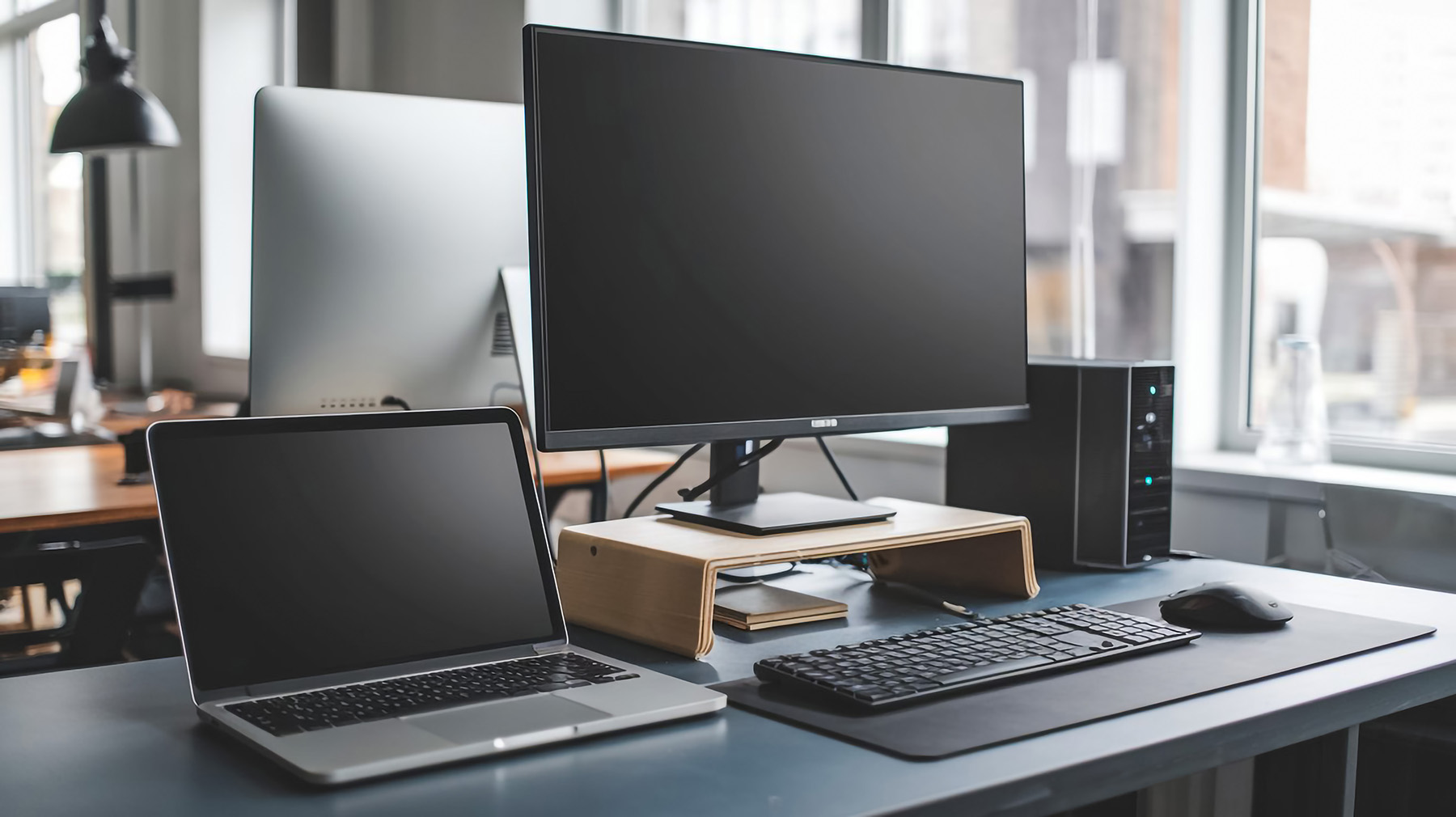
Buying Technology Shouldn't Require a Research Project
You need a new laptop for an incoming employee. Or your office workstations are showing their age. Or someone's asking whether the company should switch to Macs. Suddenly you're spending hours comparing specs, reading reviews, and second-guessing every decision.
We handle the research so you don't have to. Tell us what you need to accomplish and we recommend the right equipment then make it happen.
The Right Equipment for the Job
Not every employee needs the same computer. A graphic designer has different requirements than someone who lives in spreadsheets. We help you match hardware to actual workloads:
- Workstations and laptops — Spec'd appropriately for each role, balancing performance with budget.
- Monitors, docking stations, and peripherals — The accessories that make remote and hybrid work actually work.
- Networking equipment — Routers, switches, and wireless access points that keep your team connected reliably.
- Servers and storage — When on-premises infrastructure makes sense, sized and configured for your needs.
- Mobile devices — Phones and tablets integrated with your management and security tools.
Deployment That Doesn't Waste Everyone's Time
New hardware is only useful once it's set up and ready to go. We handle deployment so your team can start working immediately:
- Pre-configuration — Devices arrive ready to use, with your software, settings, and security policies already in place.
- Data migration — Files, profiles, and applications transferred from old equipment without the headaches.
- User setup — Accounts configured, email connected, printers mapped — the details that would otherwise eat up half a day.
- Enrollment in management tools — Every device secured and monitored from day one.
Your new hire's first day shouldn't be spent waiting for IT to finish setting up their laptop.
Lifecycle Management: Beyond the Purchase
Hardware doesn't last forever. We track your equipment throughout its lifecycle so you're never caught off guard:
- Warranty tracking — Know what's covered and when coverage expires.
- Performance monitoring — Identify machines that are slowing down before they become productivity problems.
- Refresh planning — Budget for replacements before failures force emergency purchases.
- Secure disposal — When equipment reaches end of life, we ensure data is properly wiped and hardware is recycled responsibly.
The Hidden Cost of Aging Hardware
That five-year-old workstation might still turn on, but it's costing you more than you think:
- Lost productivity — Slow boot times, sluggish applications, and frustrated employees add up.
- Security risk — Older machines may not support current operating systems or security features.
- Increased support costs — We spend more time troubleshooting aging equipment than maintaining current hardware.
- Unexpected failures — Hard drives and components wear out. The question isn't if, but when.
Proactive replacement is almost always cheaper than emergency replacement.
Standardization Makes Everything Easier
When every employee has a different brand, model, and configuration, support becomes a guessing game. We help you standardize where it makes sense:
- Faster troubleshooting when we know exactly what we're working with
- Simplified spare parts and loaner inventory
- Consistent user experience across your team
- Easier onboarding and offboarding
You don't need to be rigid about it — but a little consistency goes a long way.
Let Us Handle the Details
From researching options to unboxing and setup to eventual replacement, we manage the entire hardware lifecycle. You focus on running your business. We make sure your team has the tools they need to do their jobs.
Contact us to talk about your hardware needs whether it's a single laptop or a full office refresh.